Create an online store in Algeria: from product to first order
A practical guide to choosing a platform, budgeting, adding products, setting up cash on delivery and testing your online store in Algeria with Orderia.
Choose a platform for your actual workflow
Before choosing a platform, prepare one available product, photos you can use, prices and a business contact number. Decide which destinations you can serve and who will confirm orders. Compare a hosted platform with developing and maintaining your own store. Check Arabic support, mobile ordering, product and team limits, custom domains and the delivery providers you actually use. Orderia brings store creation and COD operations together; available integrations and limits depend on your plan.
Budget for more than the subscription
Separate platform fees, an optional domain, product photography, packaging, shipping, returns and advertising. Check included orders and any extra-order charges rather than comparing subscription prices alone. Use the current Orderia pricing page before choosing a billing period. A trial is not a permanent free plan, and a platform subscription does not mean your carrier fees are included. Start with a budget you can test against actual delivered orders.
Set up your account and store identity
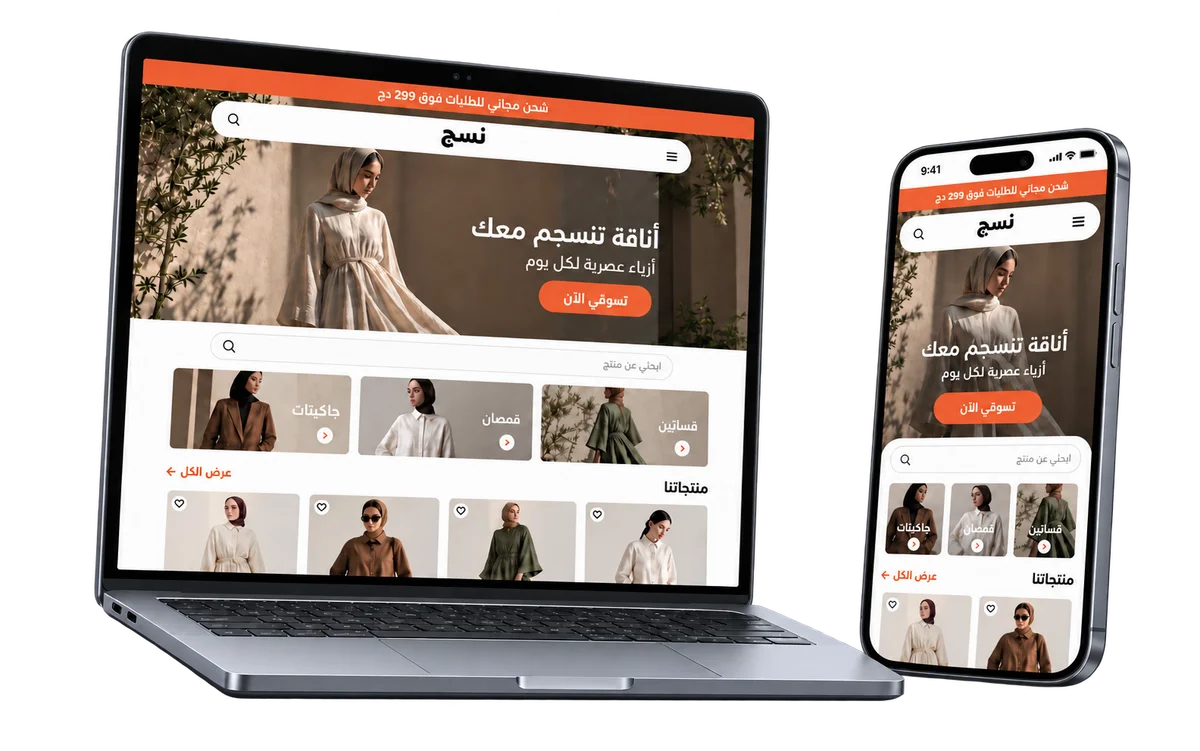
Create your Orderia account, complete the business and workspace setup, then prepare your storefront with the store-building tools. Add a clear store name, your logo and a way for buyers to contact you. Make the product, price and order action easy to find. If you connect a custom domain, check your plan entitlement and complete its connection settings before using that address in a campaign.
Prepare your product catalog
Start with clear product names, useful photos and descriptions that explain what the customer receives. Add available sizes, colors and prices. Configure variants and offers before sharing a product link so the order form reflects what you can actually sell.
Build the buying journey
Choose your storefront presentation, organize collections and customize the order form. Ask for the customer details needed to confirm and deliver the order. Check the page on a phone, including product options, delivery charges and the final total.
Configure delivery before publishing
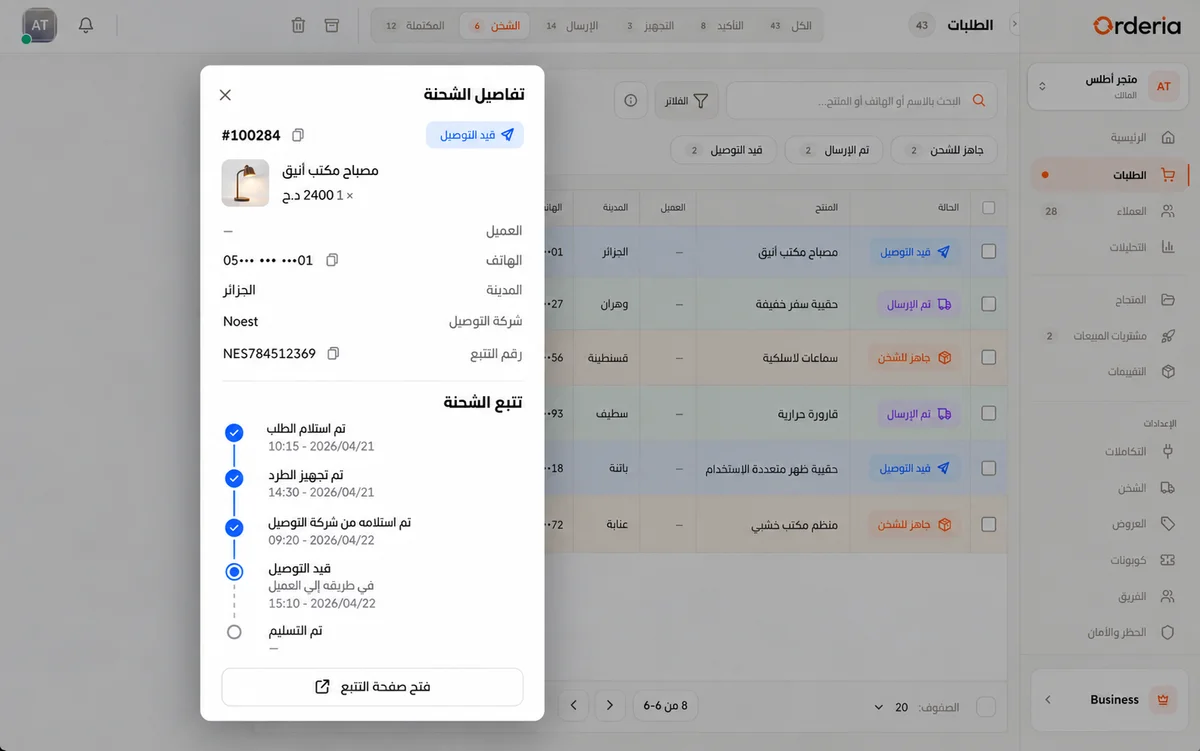
Connect a supported delivery provider in your workspace and check its account requirements. Set the delivery destinations and charges that apply to your business. Availability depends on the provider and your configuration; test a complete order before launching a campaign.
Test a complete order on a phone
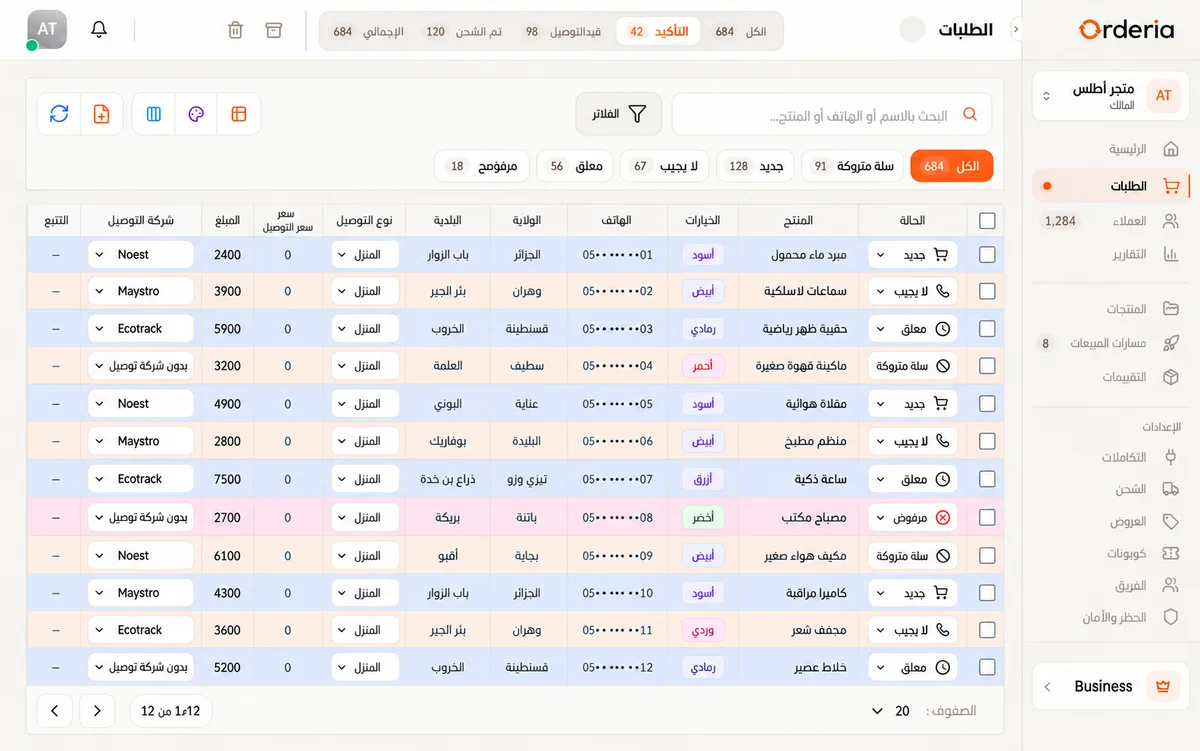
Open the store as a new customer. Select a product option, change the quantity and try different delivery destinations. Check the shipping charge and final total before submission. Use details you own and demo mode when enabled; clearly identify any test order so it is not dispatched accidentally. Confirm that the completion message appears and that the chosen options and address reach your order workspace before sharing the link.
Publish, then improve with real orders
Share your store link with customers or use it in advertising. Assign confirmation work to your team and follow the order through delivery. Review confirmed, delivered and returned orders separately to understand where the buying journey needs improvement.
Can you start without programming?
Orderia provides tools to prepare your storefront, products and order forms without developing a store from scratch. A custom domain has its own configuration and plan limits. Before subscribing, review the current features and pricing and test the buying journey you need. If you already run Shopify or WooCommerce, check the supported integration and its requirements before deciding to rebuild your store.
Your next step
Prepare one product with all its options and test a complete order on your phone before sharing your store.
Pricing