Connect delivery providers to your online store
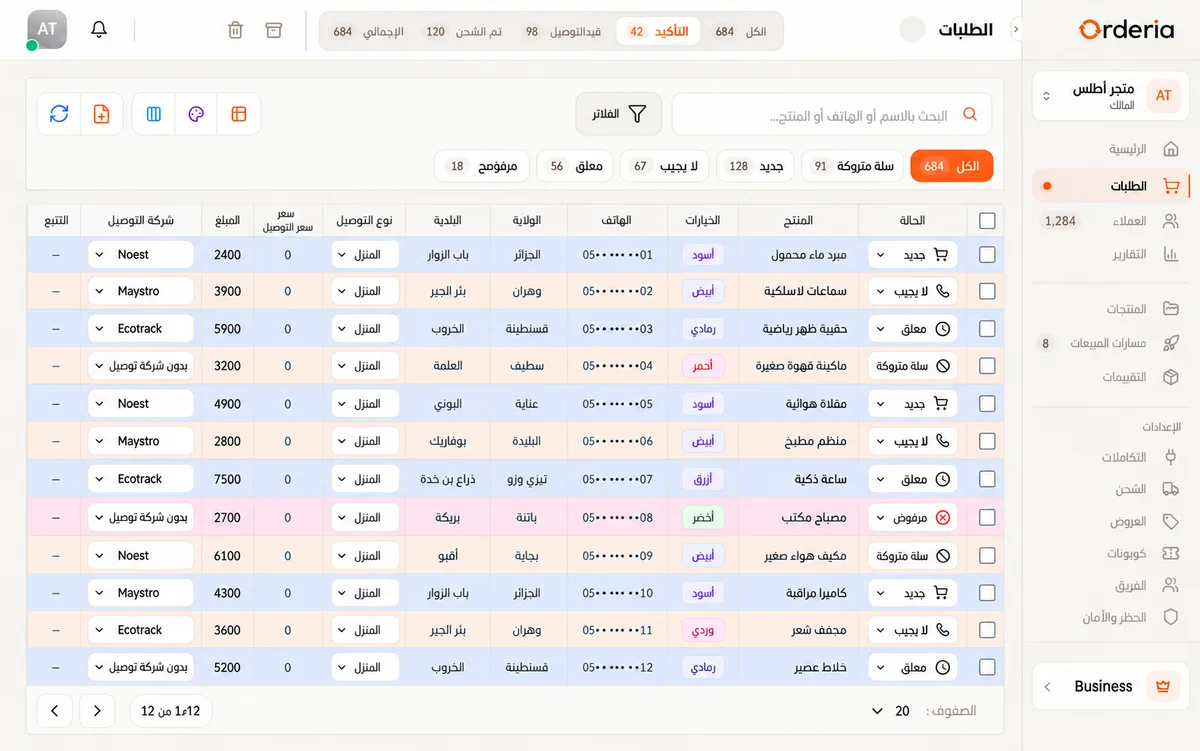
Learn how to prepare a delivery integration, configure shipping and follow COD parcels and returns from your Orderia workspace in Algeria.
Check the delivery provider requirements
Choose a provider supported in your workspace and review its setup guide. A delivery integration generally requires your own carrier account and the credentials issued by that carrier. Coverage, rates and service conditions are defined by the provider.
Connect and verify the account
Enter the required connection details in the delivery settings and use the available connection check. Keep credentials private. Before sending a real parcel, verify the sender details, pickup settings and the delivery options required by your provider.
Prepare accurate shipping information
Confirm the customer phone number, delivery destination and parcel contents before dispatch. Select the correct delivery option and review the amount to collect. Missing or inconsistent customer information can prevent a shipment from being accepted.
Follow outcomes and handle returns
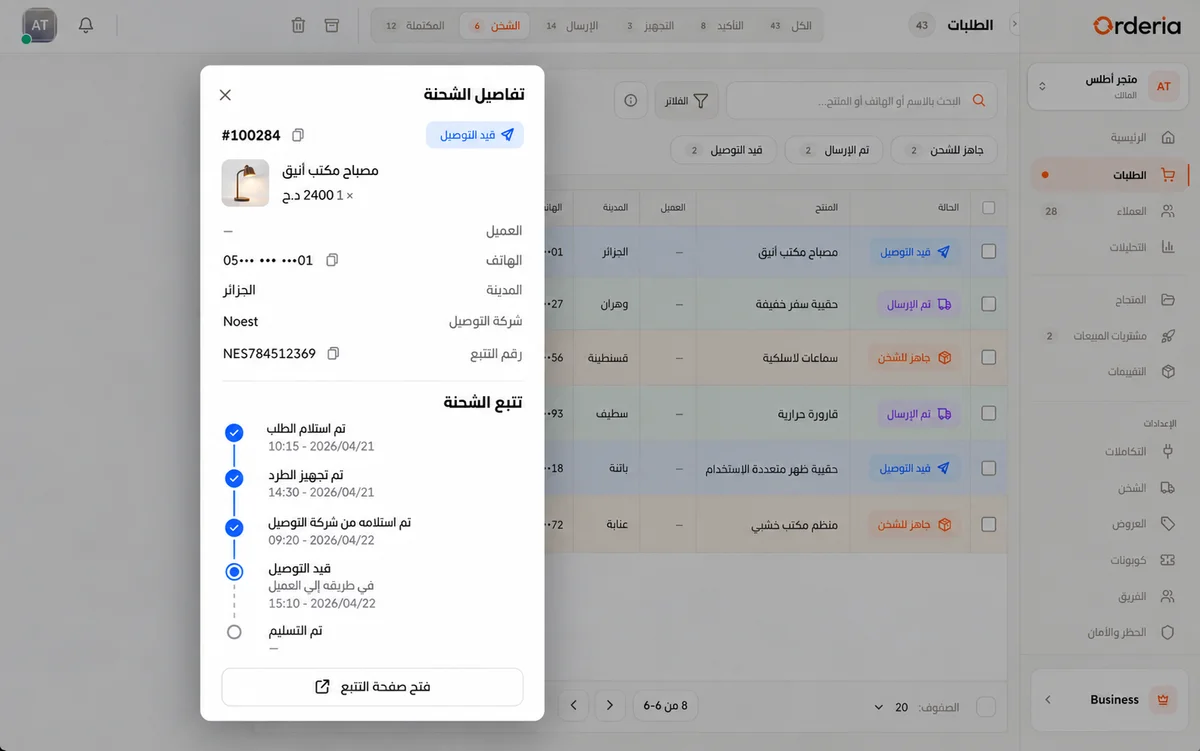
Use shipment references and the tracking information available from your connected carrier. Review delivery alerts and returns with your team. Integration availability and plan limits vary; compare the current pricing and your provider setup before choosing a workflow.
Your next step
Verify your carrier account and sender details before dispatching your first parcel.
Features