Orderia vs Hanotify: choose around your store and COD workflow
Compare Orderia and Hanotify for ecommerce in Algeria: storefront needs, tracking, confirmation, team workflows and delivery checks. Official sources included.
Comparison at a glance
| What to compare | Orderia | Hanotify |
|---|---|---|
| Daily workflow | Storefronts, COD order stages, confirmation tasks and team permissions in one workspace. | Hanotify advertises stores, delivery sync and advertising pixels. |
| Budget and limits | Compare current Orderia prices, included orders, overage rules and team limits. | Confirm the current plan, limits and billing terms on its official site. |
| Your validation task | Create a product, submit an order, assign confirmation and follow its delivery status. | Check your campaign tracking and a complete customer order in both products. |
Published by Orderia, not an independent benchmark. Competitor descriptions were checked against official public pages on 30 October 2026. Features and prices can change. A feature not described here should not be treated as unavailable.
Sources and review notes
Reviewed:
Start with the customer journey
A useful comparison follows the customer from an advertisement to a product page, an order form and the confirmation call. Orderia combines a customizable storefront and order forms with the operational stages after checkout. Hanotify also belongs on the shortlist for merchants evaluating a store-and-advertising workflow. Use the published descriptions as a starting point, then test the actual product options, delivery details and order totals that your customers will see.
Check the tracking setup you actually use
Write down the ad networks and events your business needs. In Orderia, check the supported pixel and server-side tracking configuration in your workspace and confirm what your plan includes. In either product, verify event behavior using the relevant platform’s test tools and your own configuration. A list of supported tools does not establish that your campaign attribution is correctly configured. Check that the same purchase is not counted twice and that your chosen consent settings are respected.
Go beyond the first submitted order
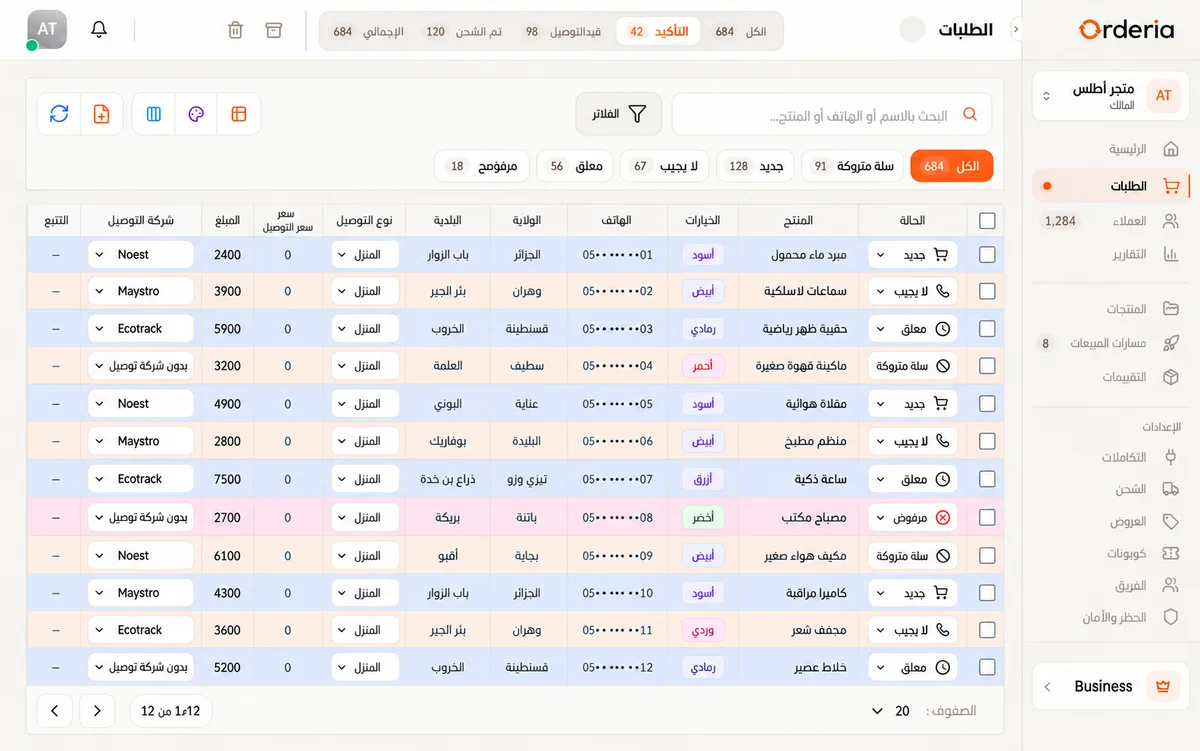
Once a test order arrives, assign confirmation, review the customer information and continue into preparation and delivery. In Orderia, different team roles help separate operational responsibilities. During your Hanotify evaluation, repeat your own team scenario rather than comparing only the storefront. Include an unanswered customer, a cancelled order and a returned parcel. These cases reveal the practical information the owner needs to review at the end of the day.
Evaluate storefront language and mobile use
Prepare the actual Arabic, French or English product copy you plan to publish. Open the buying flow on a phone and check right-to-left reading, product options, delivery charges and tap targets. Orderia supports Arabic, French and English interfaces. The result still depends on your own content and setup. Ask a teammate to place a sample order without coaching: unclear shipping information or a missing option matters more than a general design claim.
Choose based on a repeatable pilot
Orderia is worth evaluating when you want the storefront connected to confirmation, delivery and team permissions. Before committing to either service, compare current quotas and complete the same small pilot. Track the number of manual steps, whether staff understand their tasks and whether delivered and returned orders remain easy to distinguish. The goal is an informed fit for your operation, not an unverified speed or conversion-rate ranking.
Your next step
Test a complete order in each platform and verify current prices and limits before deciding.
Pricing