Orderia vs JustSell: connect acquisition to COD operations
Compare Orderia and JustSell in Algeria: landing-page needs, order operations, team responsibilities and how to evaluate subscription or credit-based costs.
Comparison at a glance
| What to compare | Orderia | JustSell |
|---|---|---|
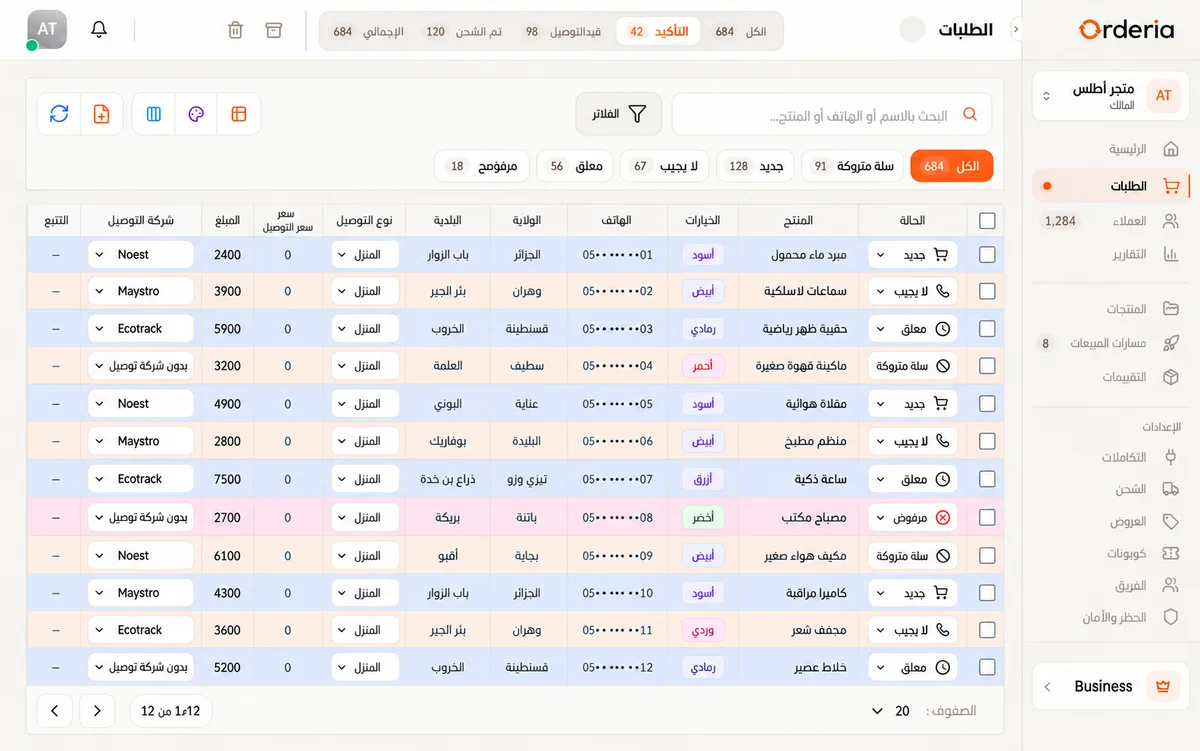
| Daily workflow | Storefronts, COD order stages, confirmation tasks and team permissions in one workspace. | JustSell advertises AI landing pages, order management and team roles. |
| Budget and limits | Compare current Orderia prices, included orders, overage rules and team limits. | Its official pricing describes prepaid credits alongside subscription plans. |
| Your validation task | Create a product, submit an order, assign confirmation and follow its delivery status. | Test the transition from a campaign order to a delivered or returned parcel. |
Published by Orderia, not an independent benchmark. Competitor descriptions were checked against official public pages on 30 October 2026. Features and prices can change. A feature not described here should not be treated as unavailable.
Sources and review notes
Reviewed:
Separate acquisition from order fulfillment
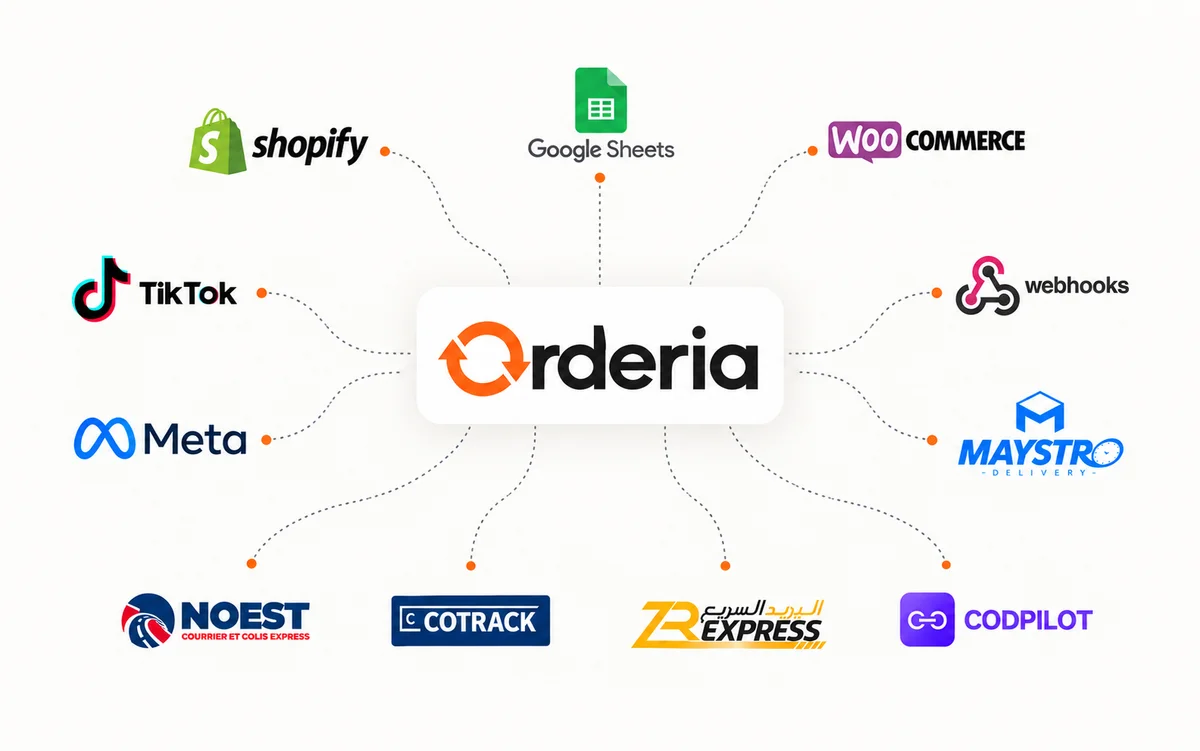
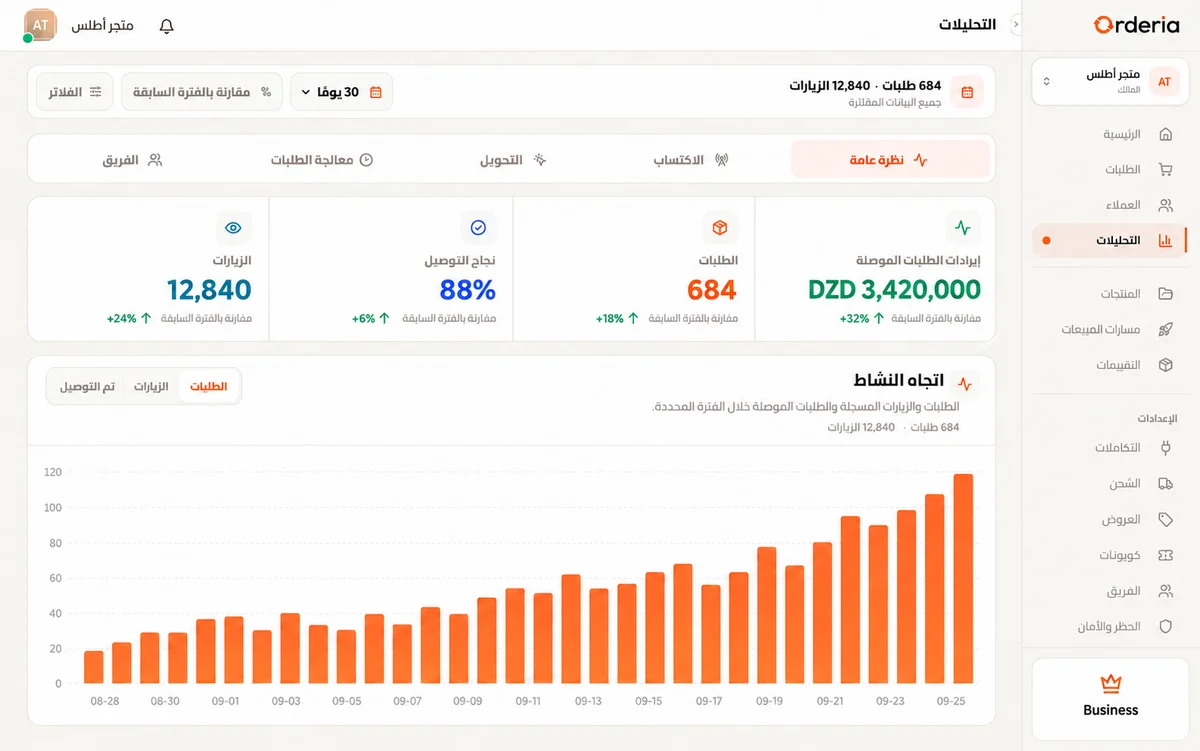
A product launch needs a convincing page, but the work continues after a customer submits an order. Orderia connects store and order-form setup with confirmation, preparation and delivery tracking in one workspace. JustSell is another platform to evaluate for this journey. Start by identifying your bottleneck: producing a campaign page, following up customers or coordinating parcels. This makes the comparison useful for your business rather than treating every feature as equally important.
Choose the page workflow that fits your team
Prepare a real product with photos, variants, an offer and delivery information. In Orderia, assemble the storefront or order presentation you need and check the purchase journey on a phone. Evaluate your JustSell page workflow with the same product. When assessing generated content in any tool, review descriptions, totals and delivery conditions before publishing. A draft page still needs an accurate offer and a final check by the merchant.
Compare costs using the same order definition
Build your budget from your expected activity and ask exactly which events consume a quota or a credit. On Orderia, check included orders, billing cycles and any extra-order charges on the current pricing page. For either service, confirm how failed, cancelled, duplicate and abandoned attempts are counted. Evaluate a normal month and a campaign spike. Do not compare a subscription price with a credit pack without first translating both into the same business scenario.
Validate team responsibilities after checkout
Invite the people who will confirm orders and prepare shipments, then test their actual access. In Orderia, workspace roles help keep operational responsibilities clear. Repeat the same business scenario while evaluating JustSell. Check who can view customer information, change an order status and follow a delivery exception. A platform can list team features while your preferred assignment process still needs configuration, so validate the task rather than assuming it from a plan name.
Use delivered orders as the final checkpoint
Run a pilot through confirmation, dispatch and the provider’s available tracking outcomes. Keep delivered orders separate from pending or cancelled orders and record how returns are handled. Orderia should be evaluated when the connected operational workflow is central to your requirements. Keep a copy of your product and order information before any migration and confirm available import/export options. The right decision is the tool whose verified workflow and current limits fit your team.
Your next step
Test a complete order in each platform and verify current prices and limits before deciding.
Pricing